Individual Application Process
API Application
-
Open Webull official website. Click the
LOG INbutton in the upper right corner to log in as a user (if you don't have a Webull user number, please click theSIGN UPbutton to register first).
-
After logging in, the page will automatically jump to the account center. If there is no active jump, you can also click
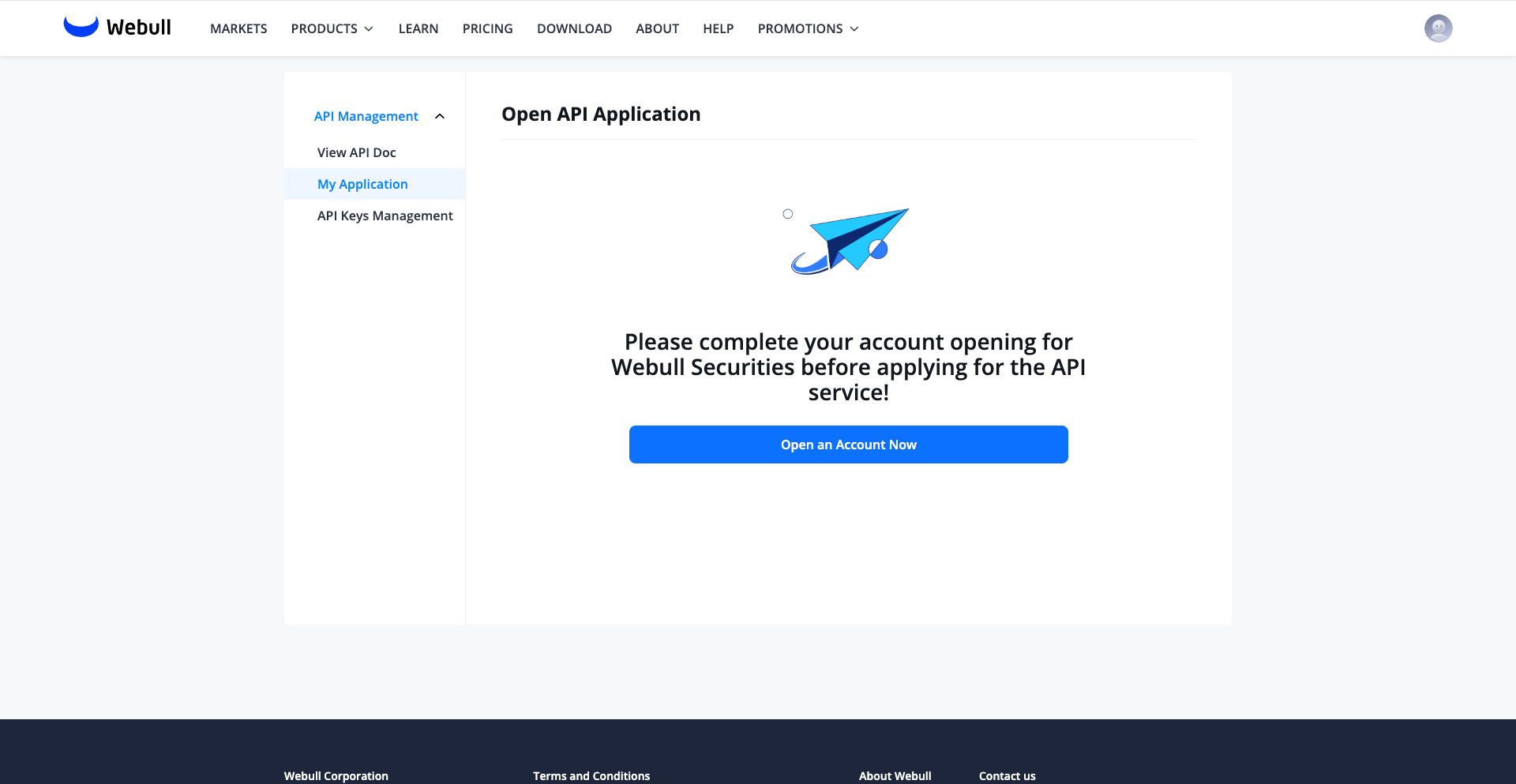
Developer Toolon the avatar in the upper right corner to jump to the developer center.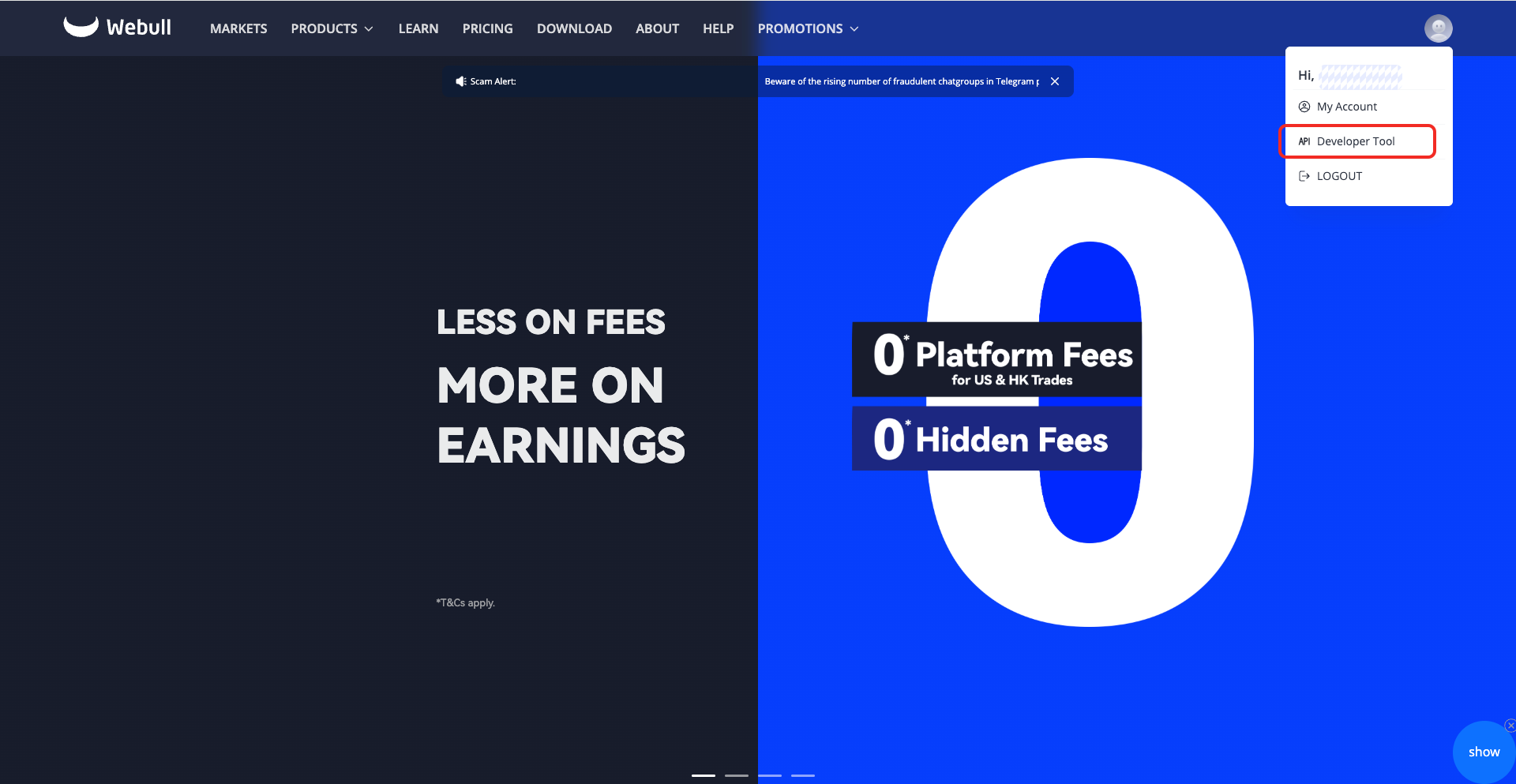 If you don’t have an account, you need to open one before applying for the API.
-
After opening an account, click
API Management->My Applicationto apply for API.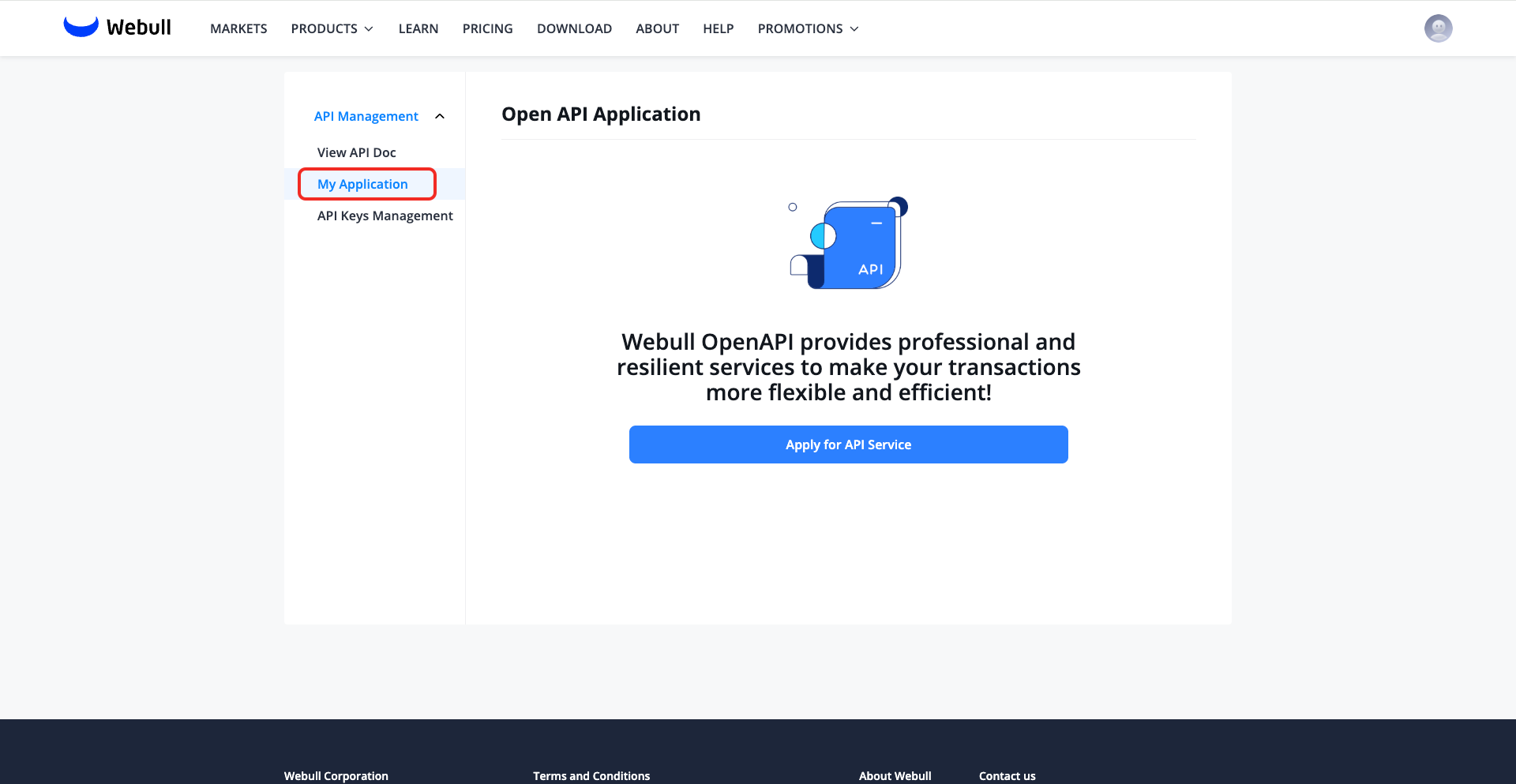
caution
After the API application, Webull needs to review the application. It is estimated that the process will take 1 to 2 working days at the earliest.
- After the application is completed, an email will be sent to the email address you filled in when opening an account. You can also view it in
API Management->My Applicationon the Webull official website, as shown below: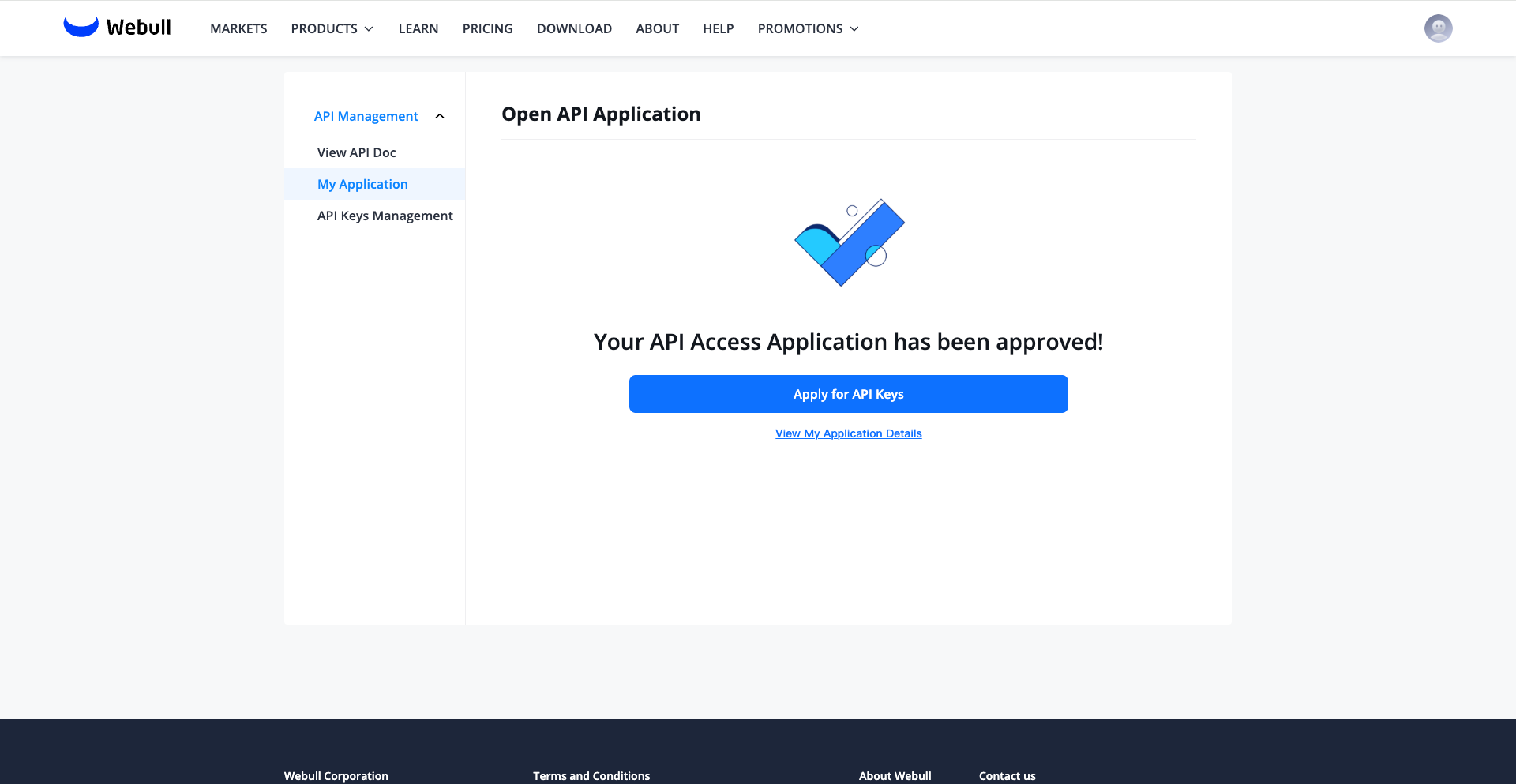
Register an API Application
- After the API application is approved, you can start registering the application in
API Management->API Keys Management.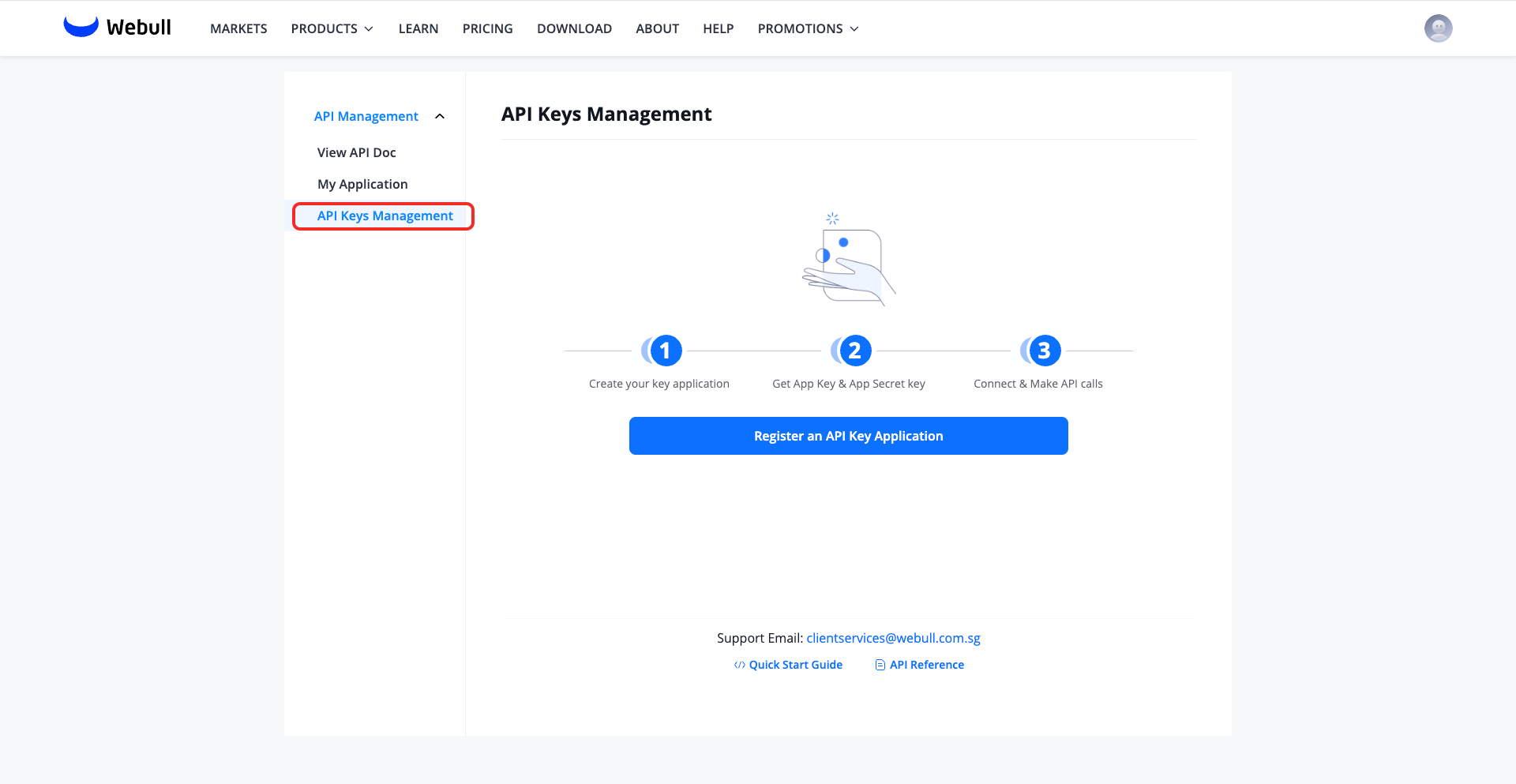
- Enter your application name to register the application.
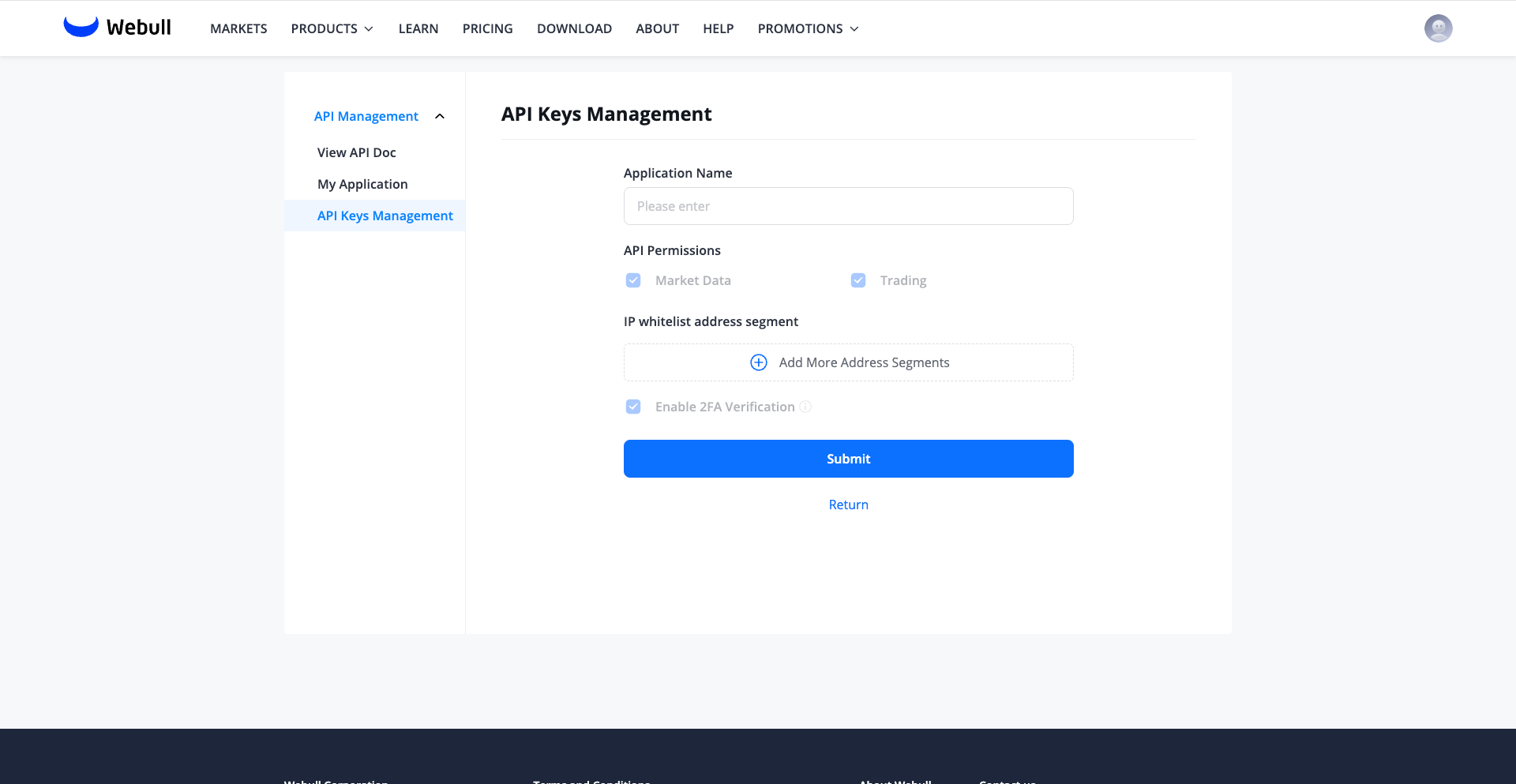
- After the registration is complete, you need to click
Generate Keyto generate the key. During the key generation process, SMS verification code and transaction password verification are required.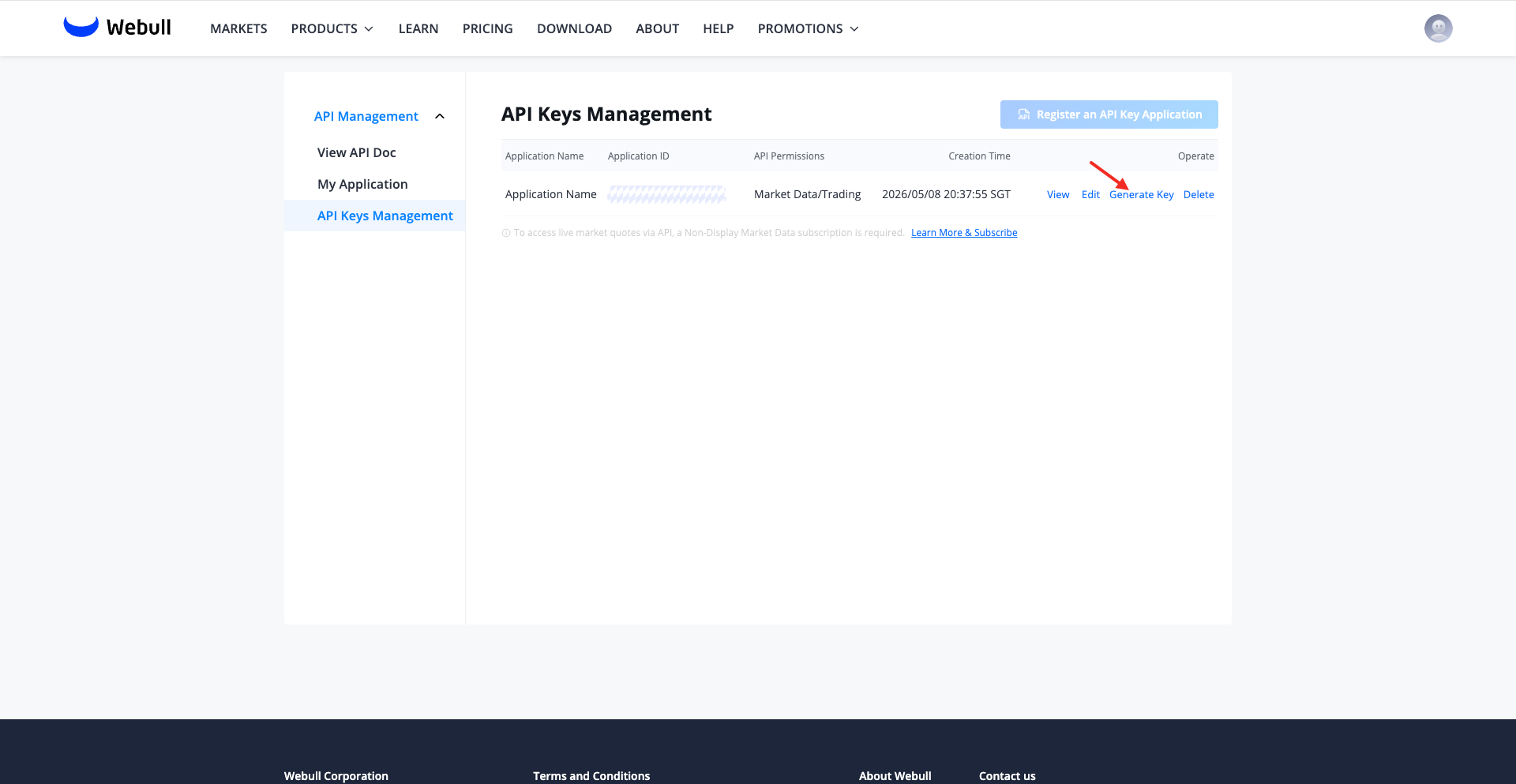 The following is an example after the key is generated, including the App Key, App Secret.
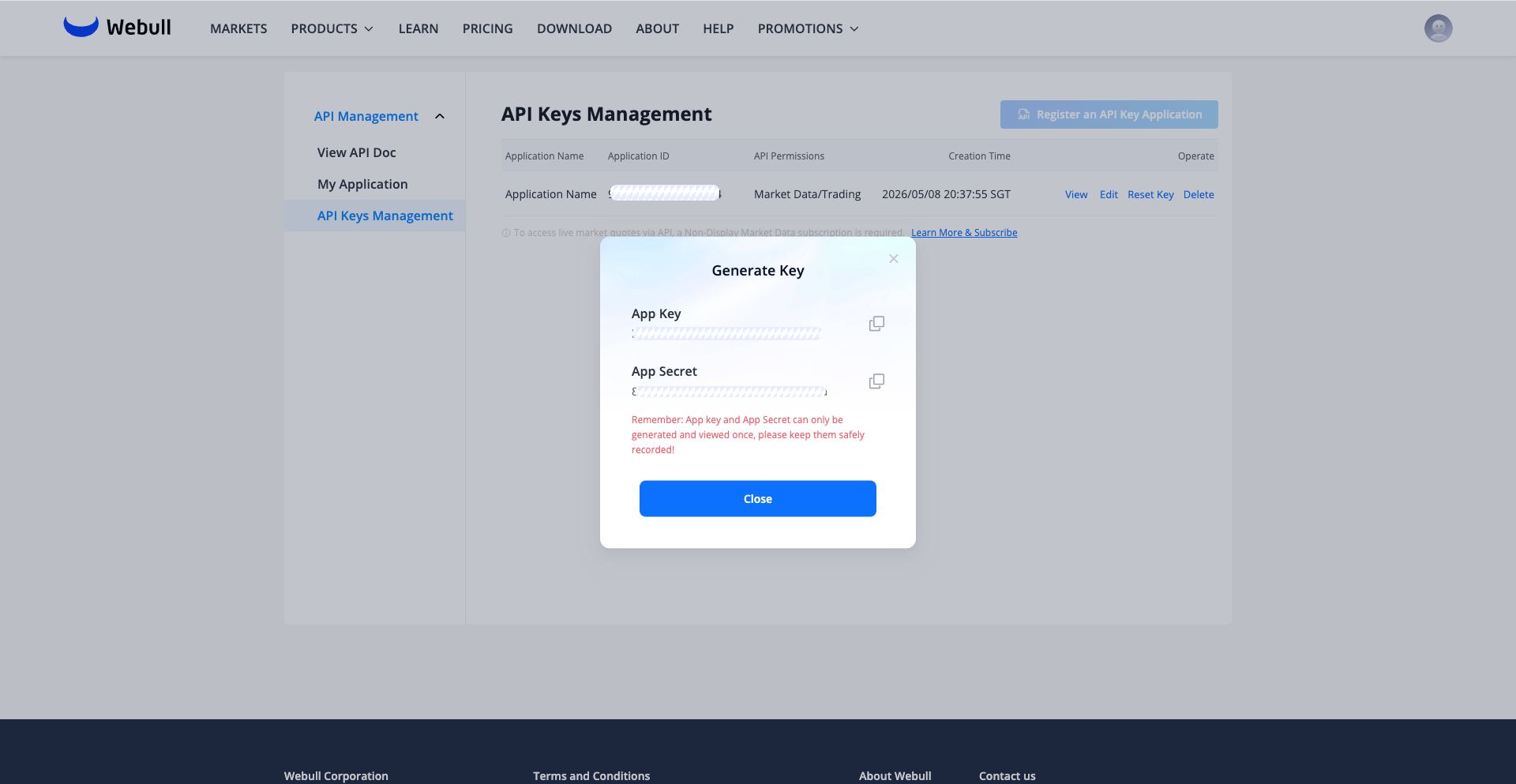
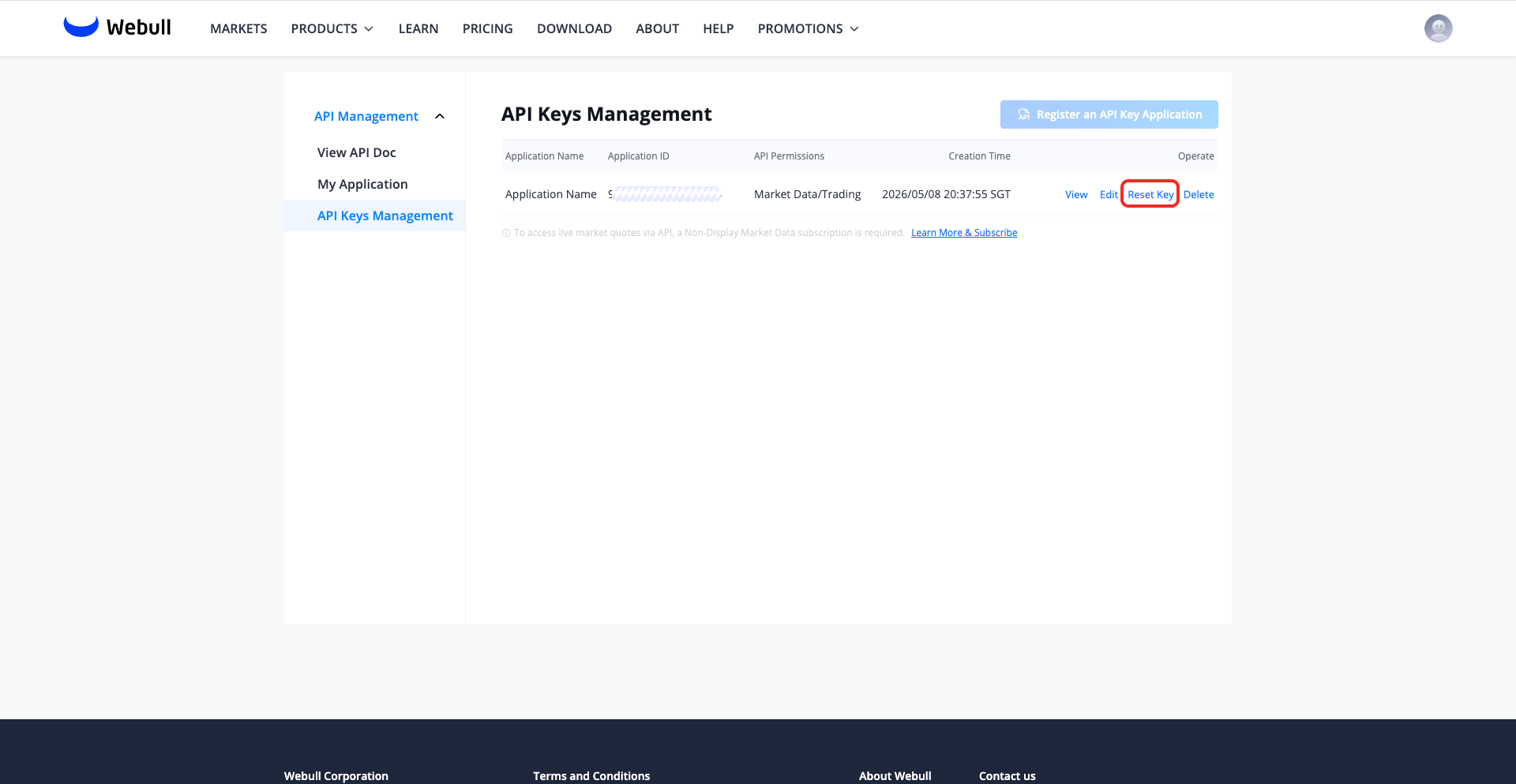
- you can also click
Reset Keyto reset the App Secret.